
Events & installations5 min read
How we built a private portal for corporate flower clients
The short answer
Event flowers for hotels, restaurants and offices, planned in one private portal: a short brief, a proposal you shape, a deposit by card or bank transfer and a shared calendar.
We built a private portal so that a hotel, restaurant or office can plan event flowers with us in one place: a short brief, a proposal you can shape, a deposit you can pay and a calendar that keeps every date. This is how it works, why we made each choice, and what it means for the service you get.
Key takeaways
- You start with three details (your name, work email and company). There is no password and no long form.
- Your brief saves as you type, and only the event name is needed to begin.
- We confirm a site visit within 1 to 2 working days and send your proposal within 5 working days.
- You choose the parts of the proposal and watch the total change, then accept online and pay the deposit by card or bank transfer.
- Colleagues can be added, with their own roles, and every date sits in one calendar.
Why did we build a portal for corporate flowers?
Corporate flowers are rarely one decision made by one person. A hotel manager briefs us, a finance team needs a purchase order, a colleague wants to approve the colour, and the installation has to be ready on a fixed morning. Email threads and attached PDFs make each of those steps slower than the flowers deserve.
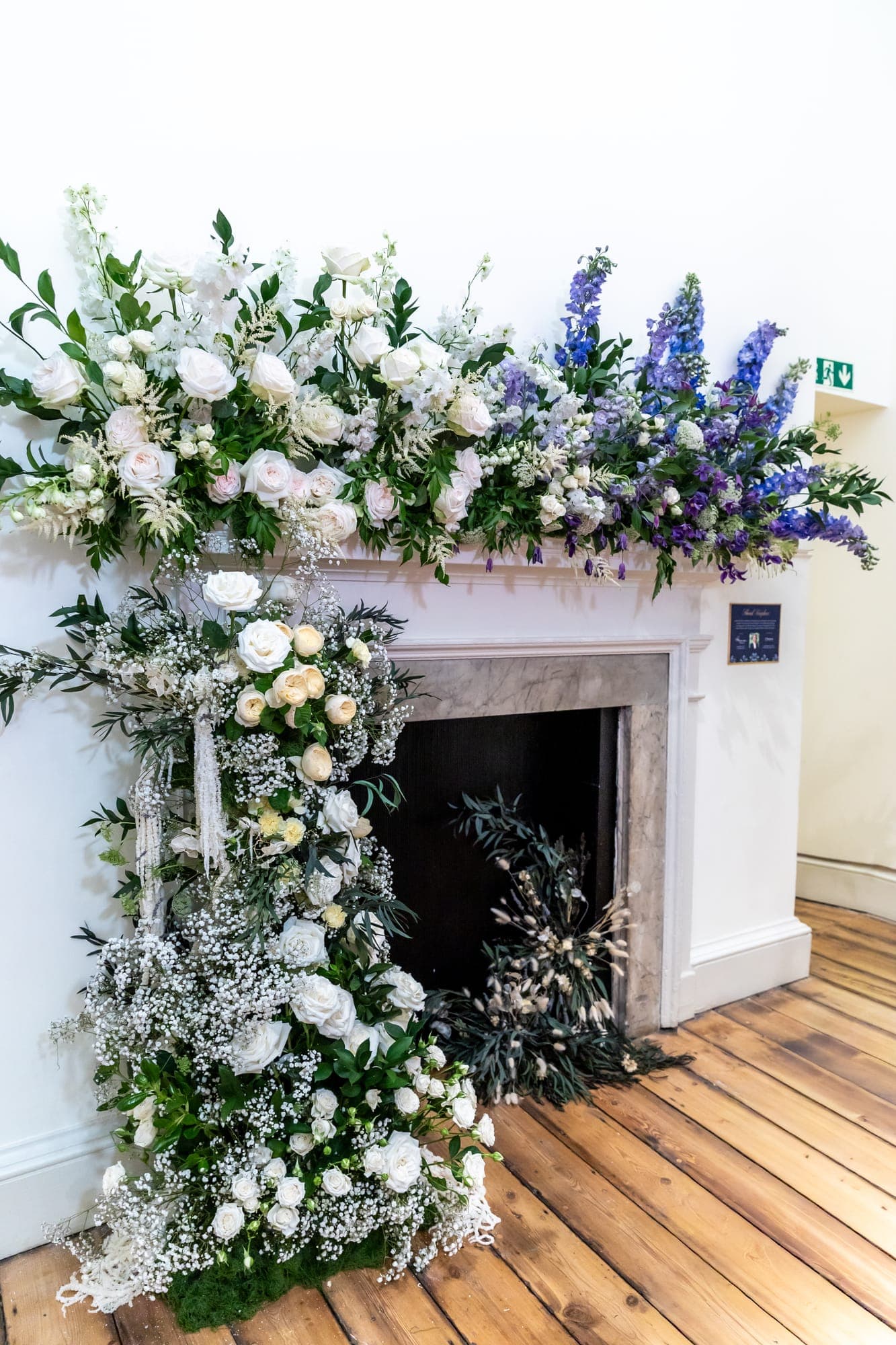
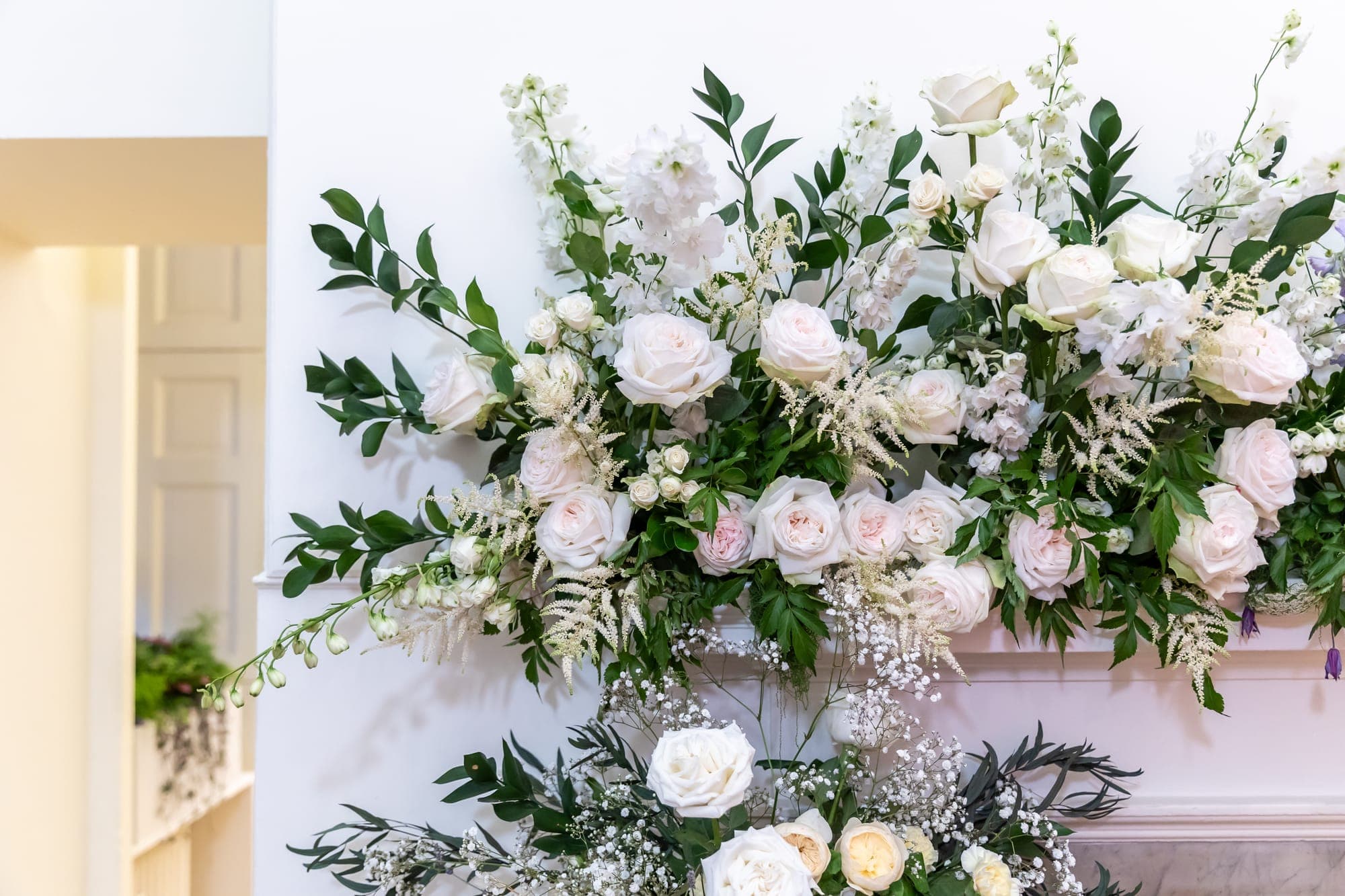
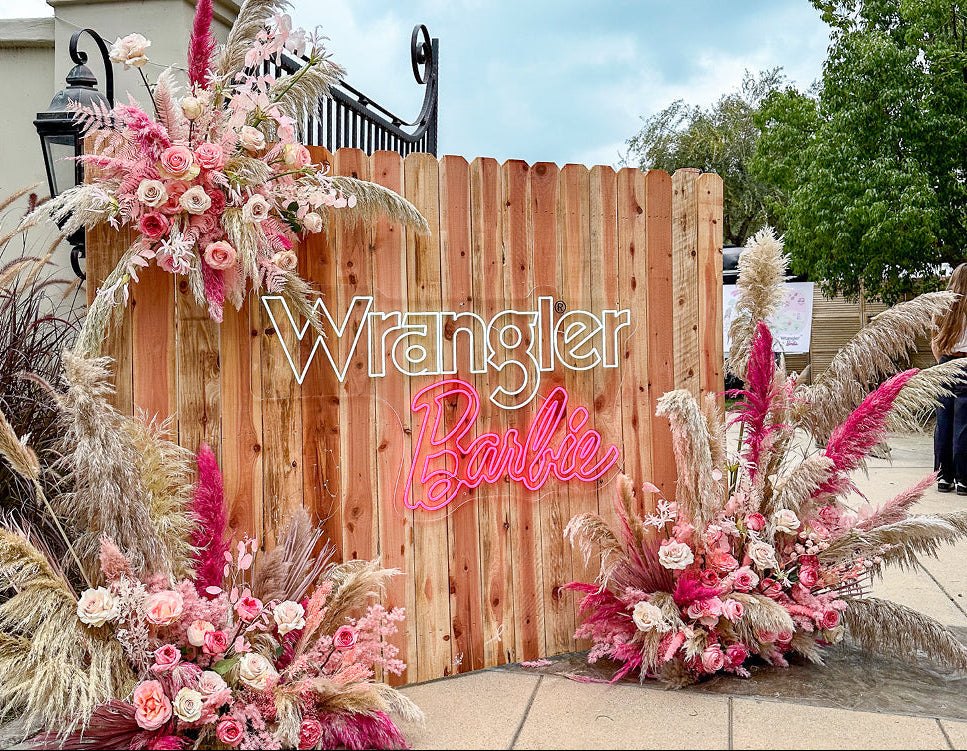
So we asked a plain question: what would a client want to see at 9am on a busy Tuesday? The answer was the status of their event, what we need from them, and what happens next. That became the portal. If you want the work itself, our corporate and private events page shows the installations, arrangements and the Flower Bar this service supports.
How does an event client get started?
The old route was a long enquiry form. We removed it. You now give us your name, work email and company, and we email you a link. There is nothing to remember and no password to reset.
That link opens your company's home. From there, "Plan an event" opens the brief. Only the event name is required, and the brief saves as you go, so you can begin from your phone in a corridor and finish at your desk.
What is in the brief?
The brief is where you tell us about the day and the spaces involved: where the flowers go, when we can access the room, and any photographs you already have. You can add as many spaces as the event needs, and a space can have its own photos.
If you would like us to see the venue before we design, you can ask for a technical visit and choose up to three times that suit you. We confirm one within 1 to 2 working days, then measure and photograph every space ourselves, so the proposal is built on real dimensions rather than guesses. How we turn those measurements into a structure that lasts is covered in our guide to how a floral installation stays perfect for three weeks.
What happens after you send it?
Within 5 working days, your proposal appears in the portal. This is the part we are proudest of, because it replaces a fixed PDF with something you can work with.
You choose the parts you want. Some parts have options, such as a colour story, and the total updates as you choose. When you are happy, you accept online, add your PO number and pay the deposit by card or by bank transfer. Bank transfers are handled through Stripe, which is the same provider that takes our card payments (how Stripe bank transfers work). Your date is held once we confirm it.
Nothing is charged until you accept. If something needs to change, you tell us in a comment on the proposal itself, and we make a new version rather than losing the conversation in an inbox.
What do we need from you, and what do we do?
It helps to say who does what, because a portal only works when both sides know their part. From you, we need the event name, the spaces and, if you can, a few photographs. From us, you get a confirmed visit time, measurements and photographs of every space, and a proposal built from them.
We also say plainly what happens next at each step, in the portal and in the emails it sends, so you are never left wondering whether we received something. That clarity matters to us as much as the design of the flowers.
Does it work on a phone?
It does. Most people open the portal between other things, so the sections are laid out as a simple set of tabs on a phone and a sidebar on a larger screen. The brief, the proposal and the calendar all work with one thumb. If you would rather talk, you can still reach us from our contact page and we will add what we discussed to your event.
Can colleagues use it too?
Yes, and this was an early request from the way real offices work. You can add colleagues in the People section, and each person can be given a role: approving a proposal, commenting on it, or seeing invoices. A new colleague asks for access and we confirm it ourselves, so a forwarded link never opens a client's account to a stranger.
Where do the dates live?
In your calendar. Visits, installations, removals and deliveries appear in one place, with anything still to be confirmed shown differently from what is fixed. You can add it to your own calendar with a link, so the install morning sits next to your other meetings without anyone copying dates by hand.
What else can a company do there?
The portal is also where a company can order flowers for its own offices. The Shop lists our bouquets and arrangements for your account, Subscriptions covers regular deliveries, and Invoices keeps what has been billed together. Our shop shows the bouquets available for planned next-day delivery in Epsom and the surrounding area, and a company account uses the same catalogue.
What does this mean for the service we give you?
Three things. You always know where your event stands. You never need to chase us for a copy of what was agreed, because it is in the portal. And the team spends its time on the flowers and the site rather than on re-sending attachments.
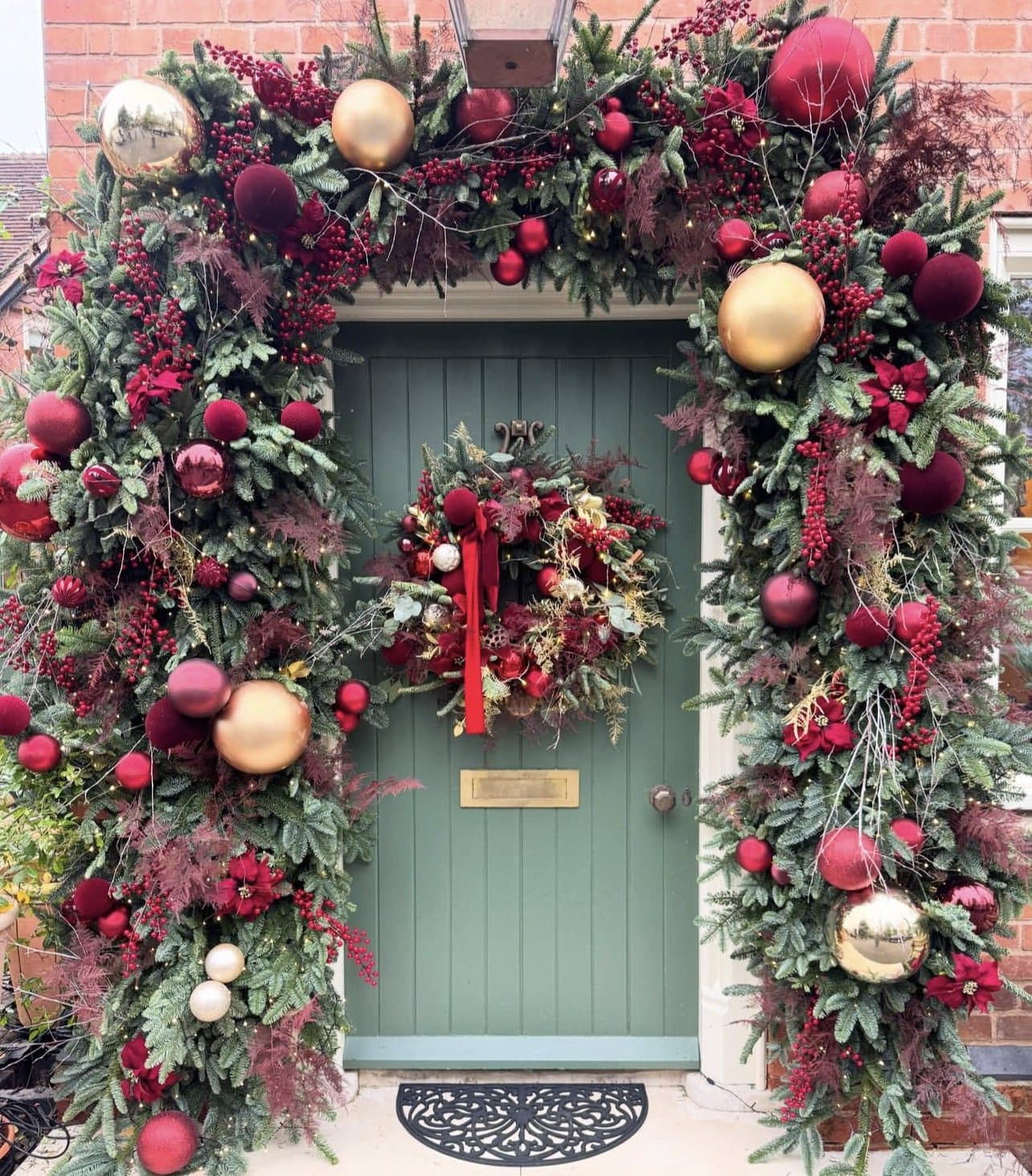
We are still building it. The next parts focus on more of the ordering and invoicing experience for companies, and we will write about each one as it arrives. If you are planning something for Christmas, our Christmas installations page is the place to begin.
Frequently asked
Do I need an account to enquire?
No. You give your name, work email and company, and we email you a link. The link opens your company's portal, so there is no password to create.
How quickly will I hear back?
We confirm a site visit within 1 to 2 working days and send your proposal within 5 working days of your brief.
Can I pay by bank transfer?
Yes. You can pay the deposit by card or by bank transfer when you accept the proposal.
Can my colleagues see and approve the proposal?
Yes. Colleagues ask for access and we confirm it, and each person can be allowed to approve, comment or see invoices.